
News · 3 min read
How to check Istanbul museum closures and ticket changes
Confirm the exact gallery, last admission and ticket conditions before paying or crossing the city.

A venue’s usual hours can sit beside a separate announcement for a holiday, exhibition change or temporary closure. This guide shows where to check and what to confirm when your visit depends on a particular room, collection or ticket.
Open the page for the exact venue or building
Start with the organisation that runs the site. National Palaces lists its own venues on its visitor page. Istanbul Modern publishes its own hours and admission terms. For a complex with several buildings or collections, check the specific part you are travelling to see.
Match the notice to your visit
Compare the notice’s dates with your booking and check whether the change applies to the whole site, an exhibition, an entrance or the ticket office. Read the last admission time separately from closing time. If the wording leaves the status of your gallery unclear, ask the venue before setting out.
Check what your ticket covers
If you are using MuseumPass İstanbul, check the official pass page for the venue and any entry conditions, then confirm that the space you want to see is open. For a timed ticket, read the date, entrance, eligibility and change terms before paying. Follow the ticket link provided by the venue.
Keep a nearby second choice
Save the venue notice and your confirmation. If a closure affects your booking, ask the seller which terms apply to that ticket. Pick a nearby second stop and check its own hours separately. That makes it easier to keep the rest of the day together if your original plan changes.
Sources and further reading
- National Palaces — Plan your visit
- Ministry of Culture and Tourism — MuseumPass İstanbul conditions
- Istanbul Modern — Museum hours and admission
Some linked sources are published in other languages.
Related guides
 News
Inside the Two Shores Club newsroom
How the guide selects sources, dates useful changes and corrects information readers rely on.
 News
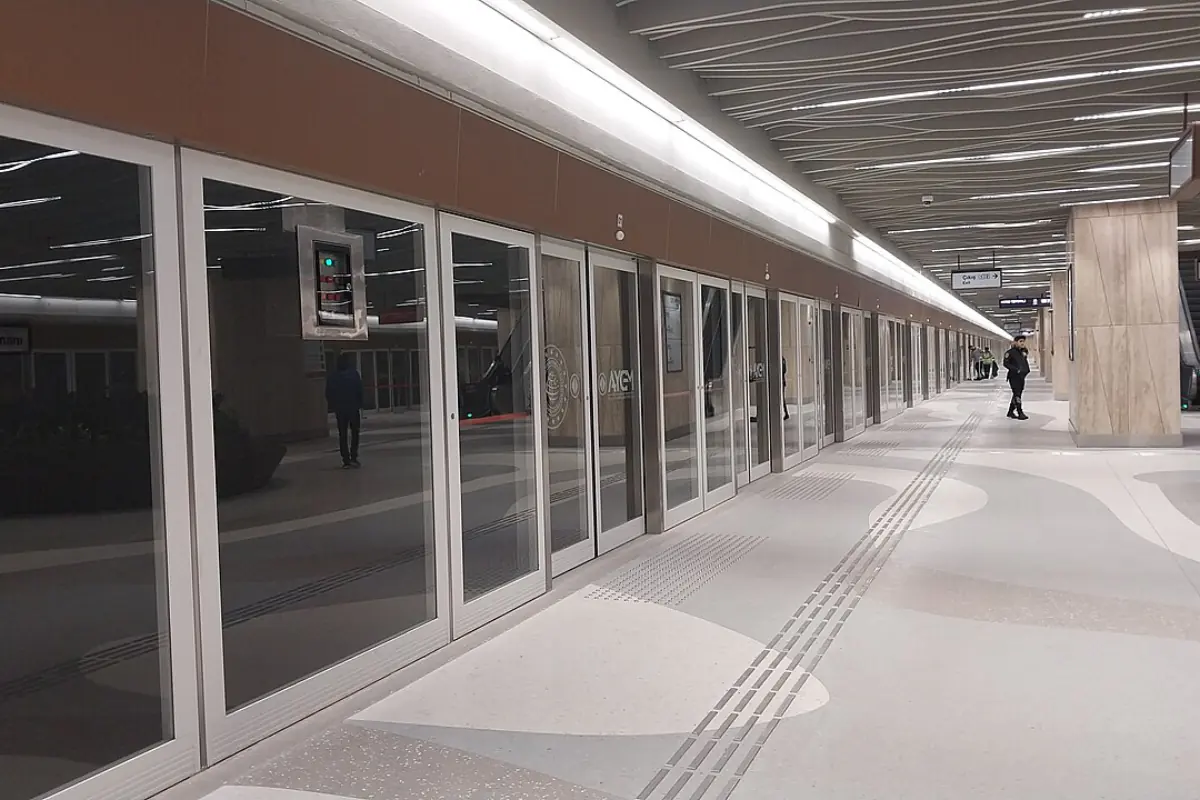
How to check Istanbul ferry cancellations and metro disruptions
Find the right operator notice and check whether it affects your departure, pier, station or connection.
NewsHow we check and update our guides
Our approach to source dates, corrections and claims about travel and treatment.